
Trees Hate You Beginner Guide: 10 Rules for Your First Hike
A spoiler-light Trees Hate You beginner guide: movement, trap tells, checkpoint tricks and the mistakes that make the first hour harder.
Quick answer: Trees Hate You is a short first-person trap game, not a platformer. You walk with WASD, arrows or the left stick, you cannot jump or sprint, and almost every obstacle is a scripted trick triggered by your position. Move in short steps, bait each attack once, and treat every friendly sign, flag and item as a possible lie.
If you want the route itself rather than the rules, start with the Trees Hate You walkthrough→. This page is the mindset and the first-hour checklist that makes that route survivable.
Trees Hate You begins with a picnic. You finish eating, walk home through a forest, and discover that the forest has opinions about that. The store page calls it a rage game focused on traps and gags, and that is accurate: the challenge is not execution, it is reading a scene before it punishes you. The developer's own framing is that the trees will trick you, bully you and hurt you. The game is funny about it, but the traps are real.
This page is based on the November 16, 2026 launch build plus the public demo, Steam announcements, the official Tykenn FAQ and launch-week reviews. Where a detail is community-reported rather than confirmed, the text says so. There are no story spoilers past the opening area.
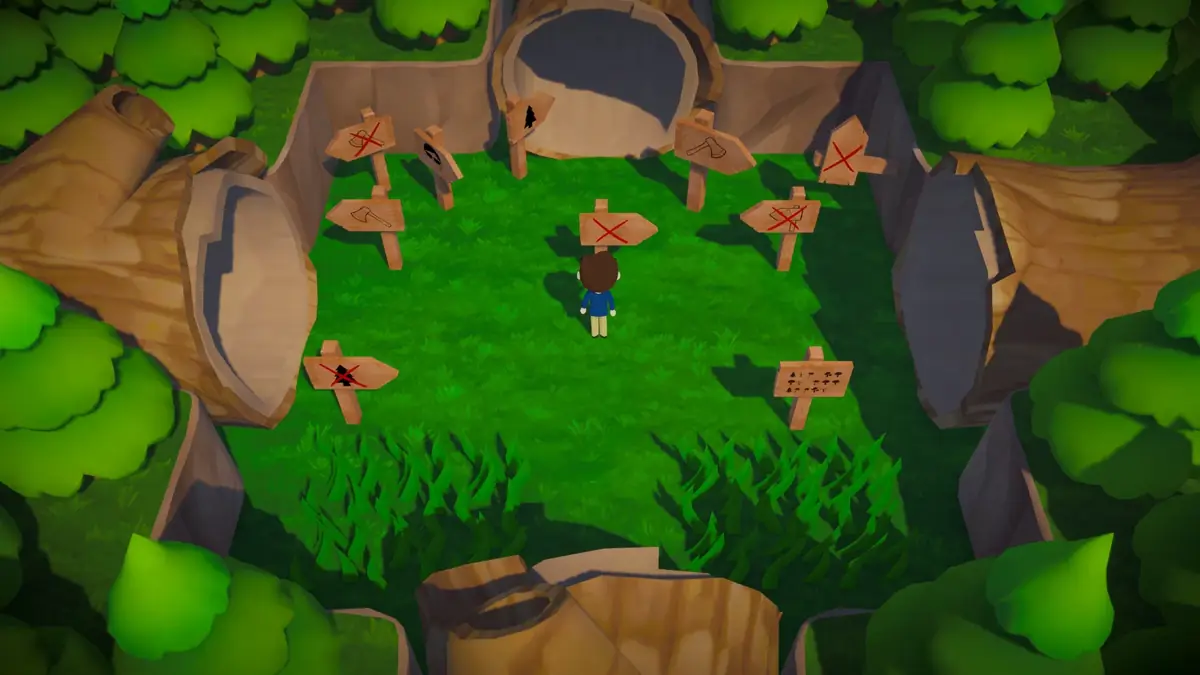
What kind of game is Trees Hate You?
It is a first-person adventure built around authored traps. You follow a linear route through forest, beach, autumn, winter, desert and stranger places, and each stretch introduces a new way for a tree to humiliate you. There are no skill trees, no upgrades and no combat verbs. Movement is the whole toolkit. A DualShockers review published before launch described the game as four large worlds, three of them split into smaller sections, with a campaign that took the reviewer roughly four hours. Most launch-day Steam reviews report two to three hours.
That short length is why the beginner phase matters. You are not grinding toward a build that fixes the game. You are learning a visual language: which silhouettes are ordinary scenery, which ones have a collider, and which ones are waiting for you to relax.
If you have not bought it yet, the demo vs full game comparison→ explains exactly what the free demo includes.
The first hour, step by step
The opening is a guided sequence, but it is also the game's first lie. Use it to learn the rhythm rather than to speed through it.
- Finish character creation or pick the default. The default is a bespectacled man. Cosmetic choices, including hats, do not change your speed or hitbox in any way the game documents.
- Walk away from the picnic blanket. The first sign tells you to read every sign. That advice is genuine, but the signs themselves are not always.
- Bait the first swinging tree. Stand at the edge of its reach, let it swing, then walk through the empty arc. Do not try to run past while it is moving.
- Watch the first gun tree. It tracks you, fires, and needs time to reset. Step out of the lane, wait for the shot, then cross.
- Touch the first checkpoint flag. Checkpoints are generous in the launch build, but they are not all real. A flag that bends away from your hand is a prop, not a save.
- Test suspicious ground before crossing. Discolored dirt, a patch that looks slightly too flat, or a trail that is too clean are all common triggers for a root, a falling trunk or a hole.
The early forest trap breakdown→ lists these opening hazards one by one, including the sign that kills you for reading it.
Why you should walk, not run
There is no sprint button. "Walk, don't run" is a habit, not a control: it means approach unfamiliar ground in short taps rather than holding the stick forward.
The reason is trigger design. Most traps activate when your character enters a zone, crosses a line, or touches a prop. If you are moving at full speed, you enter the zone and the punish lands in the same second, so you never see what caused it. If you take two small steps, stop, and watch, you often see the tree commit first. The game is generous with recovery time after an attack. It is not generous with your reaction to a trap you never saw.
This also makes death less expensive. Checkpoints in the launch build are frequent enough that a failed read costs a short walk, not a level. The DualShockers review noted that normal mode changes some tree and trap placements after a death, so memorizing a single perfect line is less useful than learning the tell.
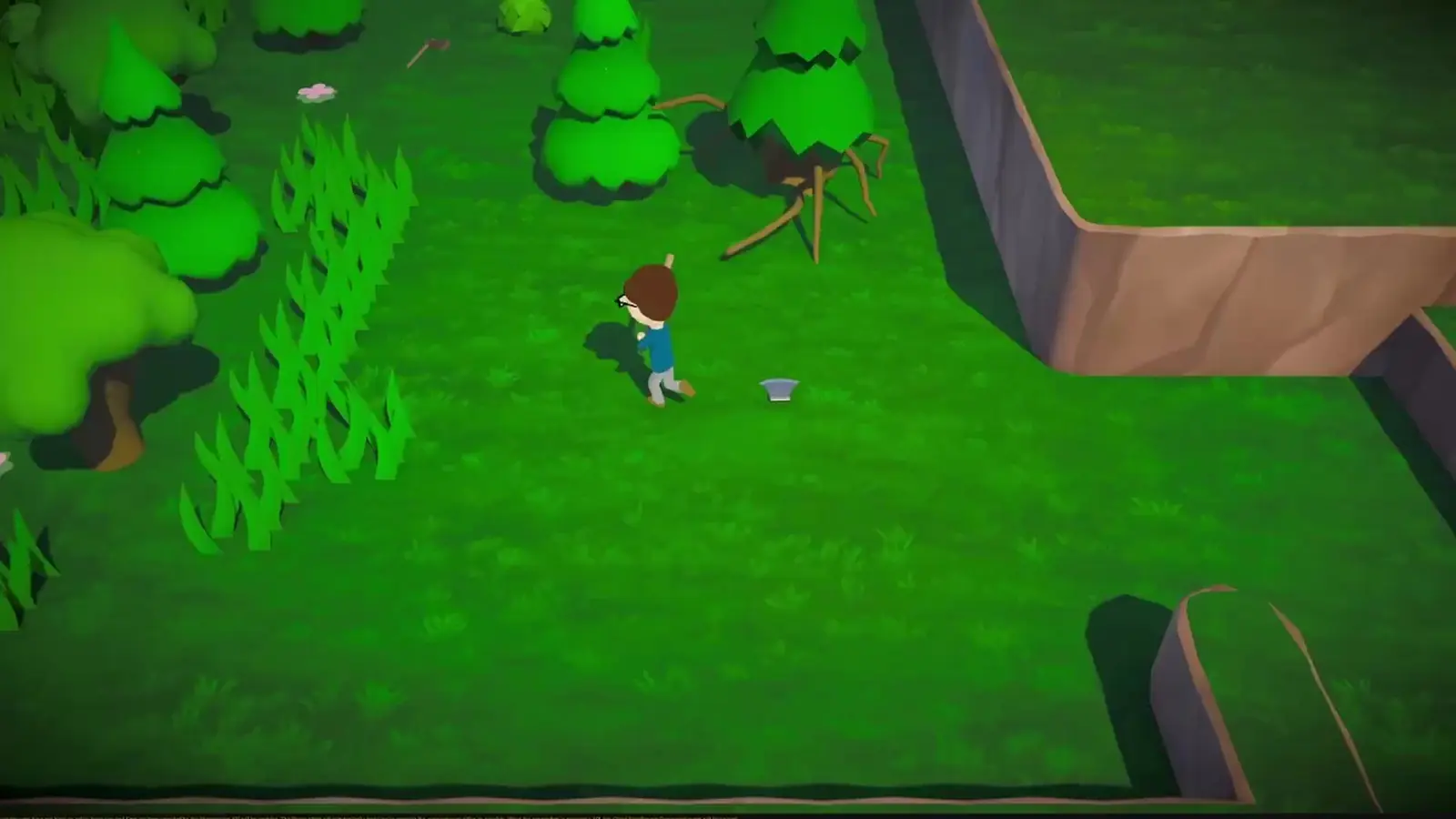
The ten rules that save the most time
- Trust the sign's existence, not its text. A sign warning you about a danger is often the trigger for that danger. Read it from a distance, then move.
- Bait once, then cross. Almost every tree attack has a wind-up and a recovery. Trigger it from outside its reach and use the recovery.
- After a successful dodge, dodge again. The game deliberately hides a second trap behind the first obvious one. This is the pattern the demo teaches in its second level.
- Listen before you look. Rolling logs rumble, falling trunks creak, branch swarms rustle. Audio is the earliest warning you get.
- Look at the ground. Discolored patches, seams in the path and unnaturally tidy trails mark collapsing floors and ambush points.
- Do not chase every coin on the first pass. Coins are optional. The arcade and some hats are the main sinks, and both can wait until you know the route.
- Touch flags, but do not trust them. A checkpoint that moves, bends or refuses to light is a trap. The real one is usually nearby.
- Use Tab to pause and reset your head. The menu is a safe screen. There is no timer in normal mode, so there is no reason to panic-press.
- Expect the scenery to move. Trees that were not there before, bushes with legs and snowmen that are not snowmen are all documented in official clips.
- Stop when you are angry. The game is short. A five-minute break is faster than replaying the same 40-second stretch ten times.
What the HUD does not tell you
The HUD is deliberately minimal. There is no minimap, no objective marker and no trap counter. The game expects you to read the world.
- Checkpoints are flags. The launch build saves at them, and reviews describe the placement as fair but occasionally deceptive.
- Coins are small gold-colored pickups, often on side paths. They are currency for the arcade cabinet and possibly other interactions; the game does not explain the economy up front.
- Hats are cosmetic. Some are created at the start, some are found in the world, and at least one can be stolen by a tree.
- The axe is the story's running joke. It is visible in trailers and clips, but the demo does not give you one. Do not assume a pickup is real until you are holding it.
The axe guide→ separates the confirmed axe content from the mods and fake clips.
Should you play the demo first?
Yes, if you are unsure about the tone. The free demo covers the first chapter, roughly the first two levels and the transition that follows. It includes character creation, the first traps, the arcade and the demo's closing gag. Progress does not carry into the full game as far as the developer has said, so treat it as a trial rather than a head start.
The full game adds the remaining worlds, the late-game traps, more hats and the content behind the rarer achievements. If the demo's first 20 minutes annoy you rather than amuse you, the full game will not change your mind.
What to do after the first checkpoint
Once you have touched a real flag, the opening teaches its last major lesson: the route is allowed to lie about direction. The next stretch uses reversed arrows, fake side paths and a checkpoint that can move. Pick the passage that looks wrong, not the one the sign points at, and keep the flag behind you so a death is cheap.
From there, the chapter 1 walkthrough→ picks up the route landmark by landmark. If you would rather understand the whole game's shape first, the full walkthrough→ maps the demo, the four worlds and the late-game structure without inventing level names the developer never published.
Official source: Trees Hate You on Steam ↗ — store description, supported features and the "find an axe" premise.
FAQ
Does character creation affect gameplay? No documented effect. Eyes, mouth, hair, clothes and skin are cosmetic. The default character is fine.
Can you jump or sprint? No. Movement is walking only, with keyboard or controller. The game is built around reading traps, not platforming execution.
Is there fall damage? Falls and collisions can kill you, but the game does not use a health bar in the usual sense. A bad hit usually resets you to the last checkpoint.
Should I buy hats? No. Hats are found, created or stolen. There is no shop that sells them for real money.
How long is the first chapter? The demo, which covers the first chapter, is roughly 20 to 60 minutes for a blind run depending on deaths and side paths. The full campaign is short; see the length guide→.
Is Trees Hate You multiplayer? No. It is single-player only. The official FAQ confirms there is no co-op or multiplayer mode.
Sources
- Trees Hate You on Steam ↗ — release date, price, features and store description.
- Official Tykenn FAQ ↗ — platforms, multiplayer status, streaming policy and the no-generative-AI statement.
- DualShockers review ↗ — four-world structure, movement-only design and campaign length.
- Steam demo update, June 19, 2026 ↗ — the extra checkpoint before the tree-for-fall.