
Trees Hate You on Steam Deck: Performance and Setup
How Trees Hate You runs on Steam Deck and Linux: the native build, controller setup, performance expectations and the settings that matter.
Quick answer: Trees Hate You has an official Linux build, and the developer's FAQ lists Steam Deck as supported. It is a lightweight game with full controller support, so it should run at 60 FPS on the Deck with default settings. Use the left stick, keep effects volume up and expect a short battery-friendly session.
Start with the controls settings→ or go straight to the bugs fixes→ if you already know the route.
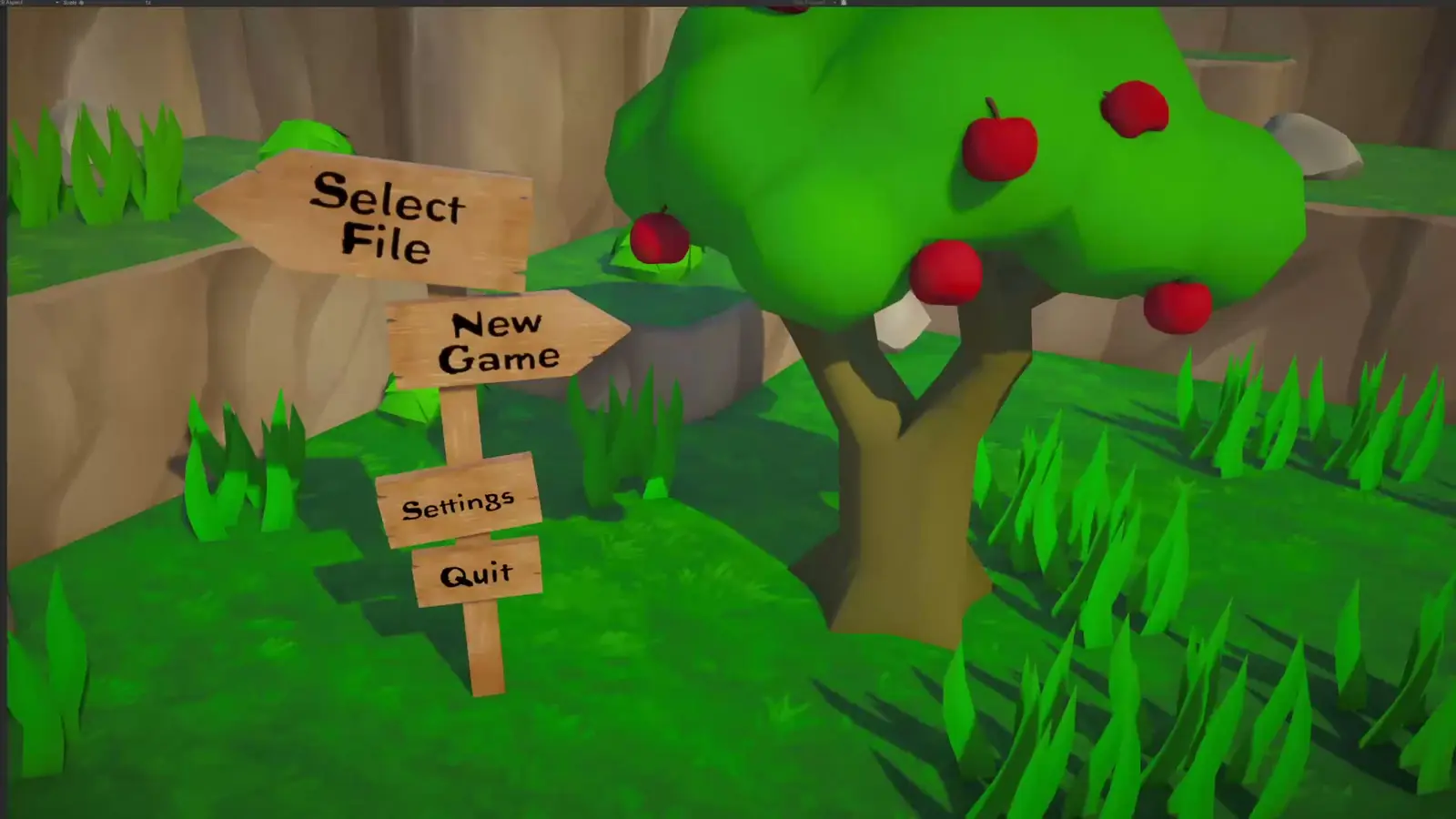
This page collects the confirmed platform facts and the practical setup. It does not claim a Steam Deck Verified badge; check the store page for the current rating, which can change after launch.
The developer confirms a Linux build. On Steam Deck, install the Linux version rather than forcing a Proton compatibility layer unless you are troubleshooting a specific issue.
Confirmed platform support
- Windows 10 or newer. The store page lists Windows 10+.
- Linux. Confirmed by the developer FAQ, including Steam Deck.
- Steam Deck. The FAQ says the game runs on Deck; the store badge may lag behind.
- Controller. Full support, including DualShock and DualSense.
- Cloud saves. Steam Cloud is listed on the store page.
The game's minimum spec is 1 GB of storage and modest hardware. It is not a demanding title.
Installing on Steam Deck
- Install the game from your Steam library.
- Let Steam pick the Linux build. Do not enable "Force the use of a specific Steam Play compatibility tool" unless the native build fails.
- Launch once in desktop mode if the first-run window is too small, then switch back to gaming mode.
- Set the controller layout to the official gamepad template.
- Cap the frame rate at 60 FPS if you want consistent battery life.
Performance expectations
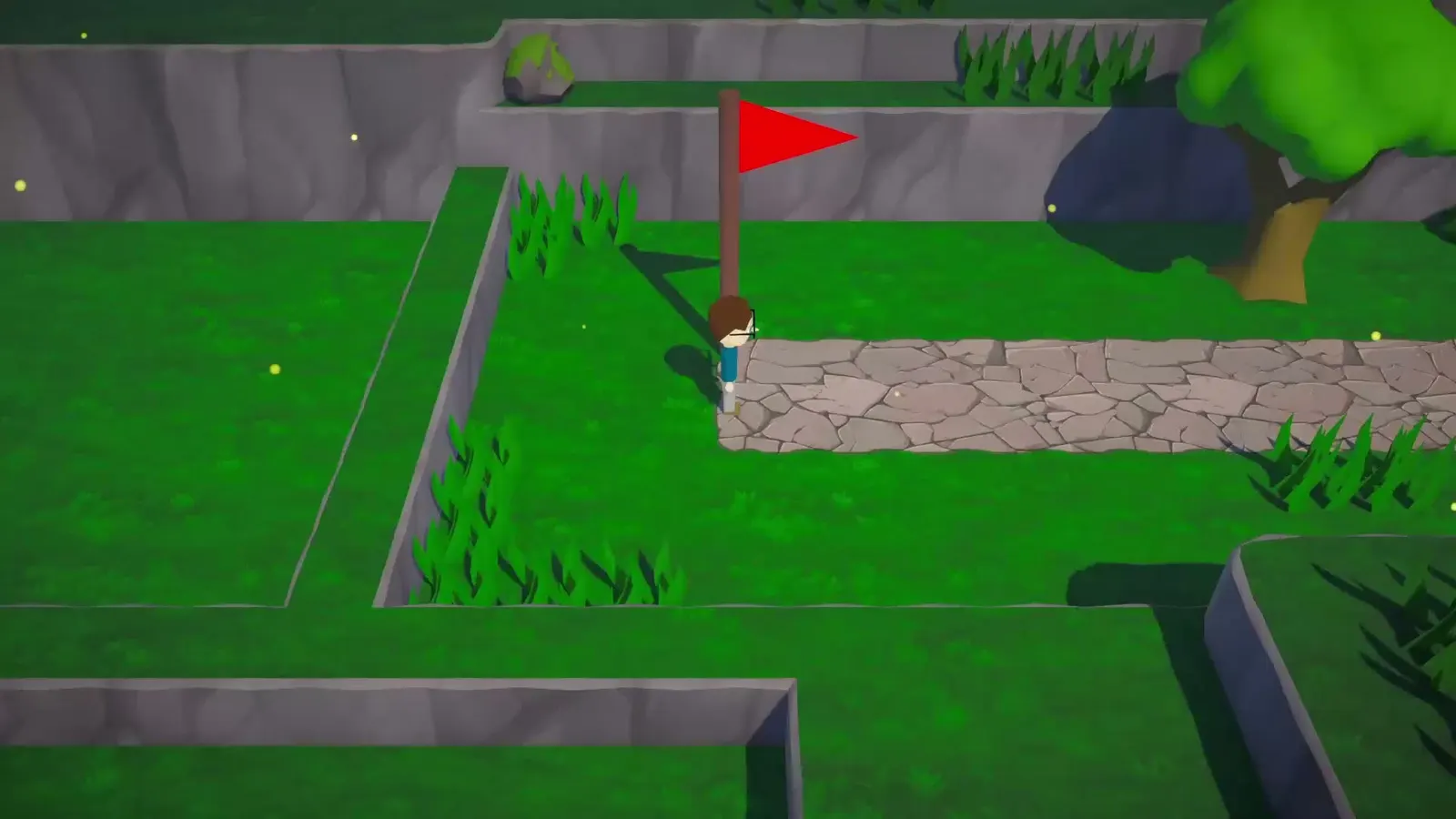
The game is a low-poly 3D title with simple lighting. On the Deck:
- Frame rate. 60 FPS should be achievable at native resolution with default settings.
- Battery. Expect a few hours, depending on brightness and frame cap.
- Load times. Short. The levels are small.
- Thermals. Low. The game does not push the GPU.
If you see stutter, lower the shadow or resolution scale first. The art style hides resolution drops well.
Controls on Deck
Use the left stick for movement. The trackpads are not needed; the game has no mouse-heavy interaction. The face buttons handle interaction prompts.
The right stick controls the camera where the game allows it. If the camera feels slow, raise the sensitivity in the game's settings, not the Deck's system settings.
Linux desktop notes
The native Linux build runs without Proton on most distributions. If you are on a rolling-release distro and the game fails to launch:
- Verify the game files in Steam.
- Check that your GPU drivers are current.
- Try the Windows build through Proton as a fallback.
- Report the issue on the Steam community hub with your distro and GPU.
The developer is a one-person studio, so Linux-specific fixes may take time. The game is not using anti-cheat or a launcher, which removes the usual Linux blockers.
Text and UI size
The game's UI is minimal: a menu, a death counter and interaction prompts. On the Deck's 7-inch screen, the default text is readable. If you play in desktop mode on a monitor, the UI may look small at 4K; use the game's resolution scale if available.
Cross-save and cloud
Steam Cloud is listed, so progress should sync between desktop and Deck through Steam. There is no separate account system and no cross-platform save outside Steam.
If cloud sync conflicts, Steam will ask which version to keep. Choose the one with the later timestamp.
Deck checklist
| Setting | Recommendation | Why |
|---|---|---|
| Build | Native Linux | Official support |
| Frame cap | 60 FPS | Stable and battery-friendly |
| Controller | Official gamepad template | Full support |
| Effects volume | High | Audio tells |
| Resolution | Native | Art reads well |
| Cloud | On | Sync with desktop |
Official source: Official Tykenn FAQ ↗ — Windows, Linux and Steam Deck support.
FAQ
Is Trees Hate You Steam Deck Verified? The developer confirms Deck support. The store badge may lag; check the current store page.
Do I need Proton? No. Use the native Linux build first.
Does it run at 60 FPS on Deck? It should at default settings. The game is lightweight.
Is there cross-save? Steam Cloud syncs progress between Steam devices. There is no non-Steam cross-save.
Does the game support Linux desktop? Yes. The developer confirms Linux, including Deck.
Sources
- Official Tykenn FAQ ↗ — platform support.
- Trees Hate You on Steam ↗ — requirements and features.
- Steam Deck compatibility ↗ — how Valve's ratings work.
- ProtonDB ↗ — community Linux reports.