
Trees Hate You Controls and Settings: Keyboard and Pad
Trees Hate You controls for keyboard and controller, plus the settings worth changing: volume, death counter, HUD and camera sensitivity.
Quick answer: Move with WASD or the arrow keys on keyboard, or the left stick on a controller. You cannot jump, sprint or attack. The settings worth changing are volume, the death counter and camera sensitivity; the game is simple enough that the defaults work.
Start with the beginner guide→ or go straight to the steam deck linux→ if you already know the route.
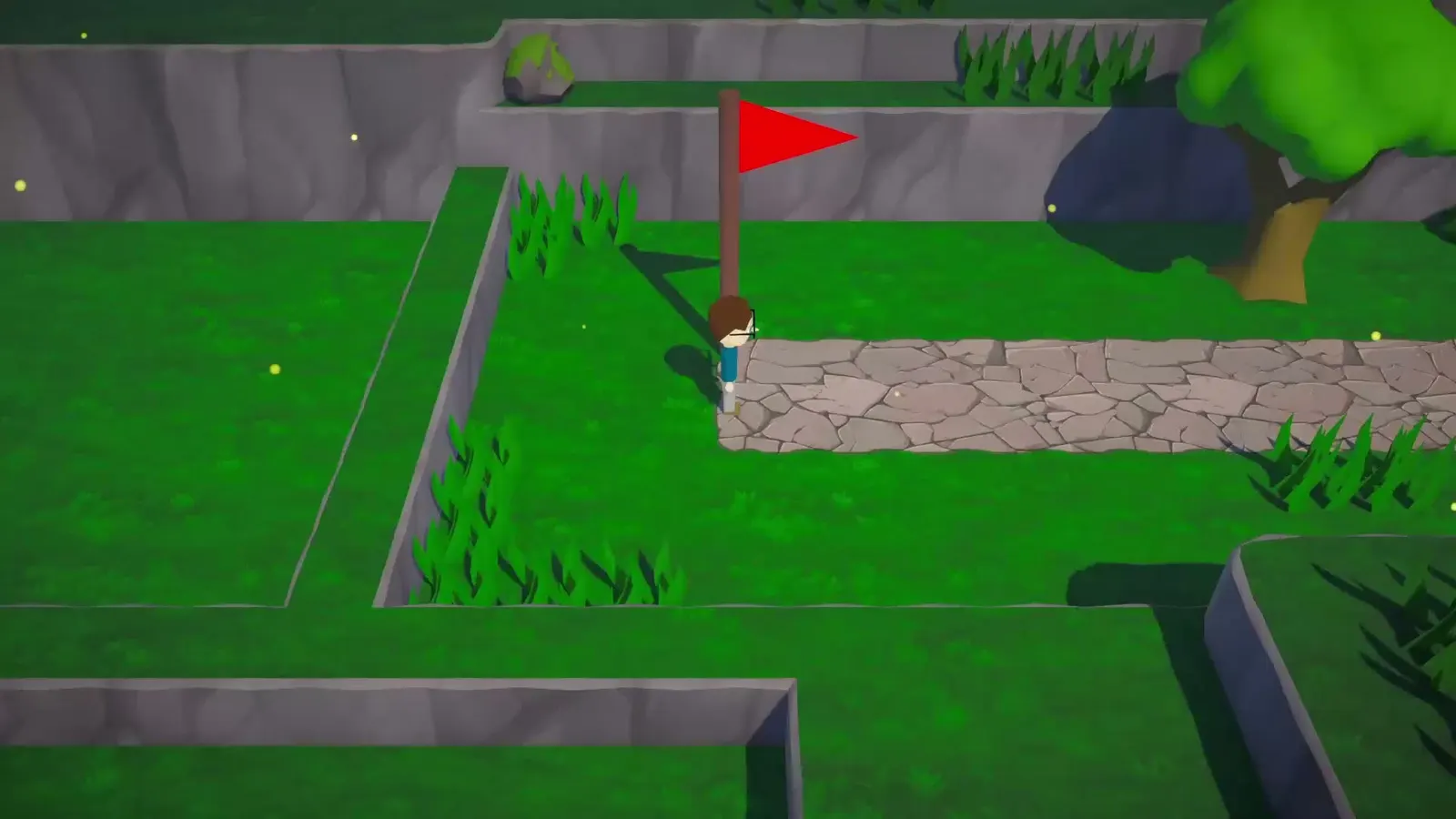
Trees Hate You has one input that matters: movement. Everything else is a menu. That makes the control scheme easy to learn and the settings menu short.
The Steam page lists full controller support, including DualShock and DualSense. The game also runs on keyboard alone.
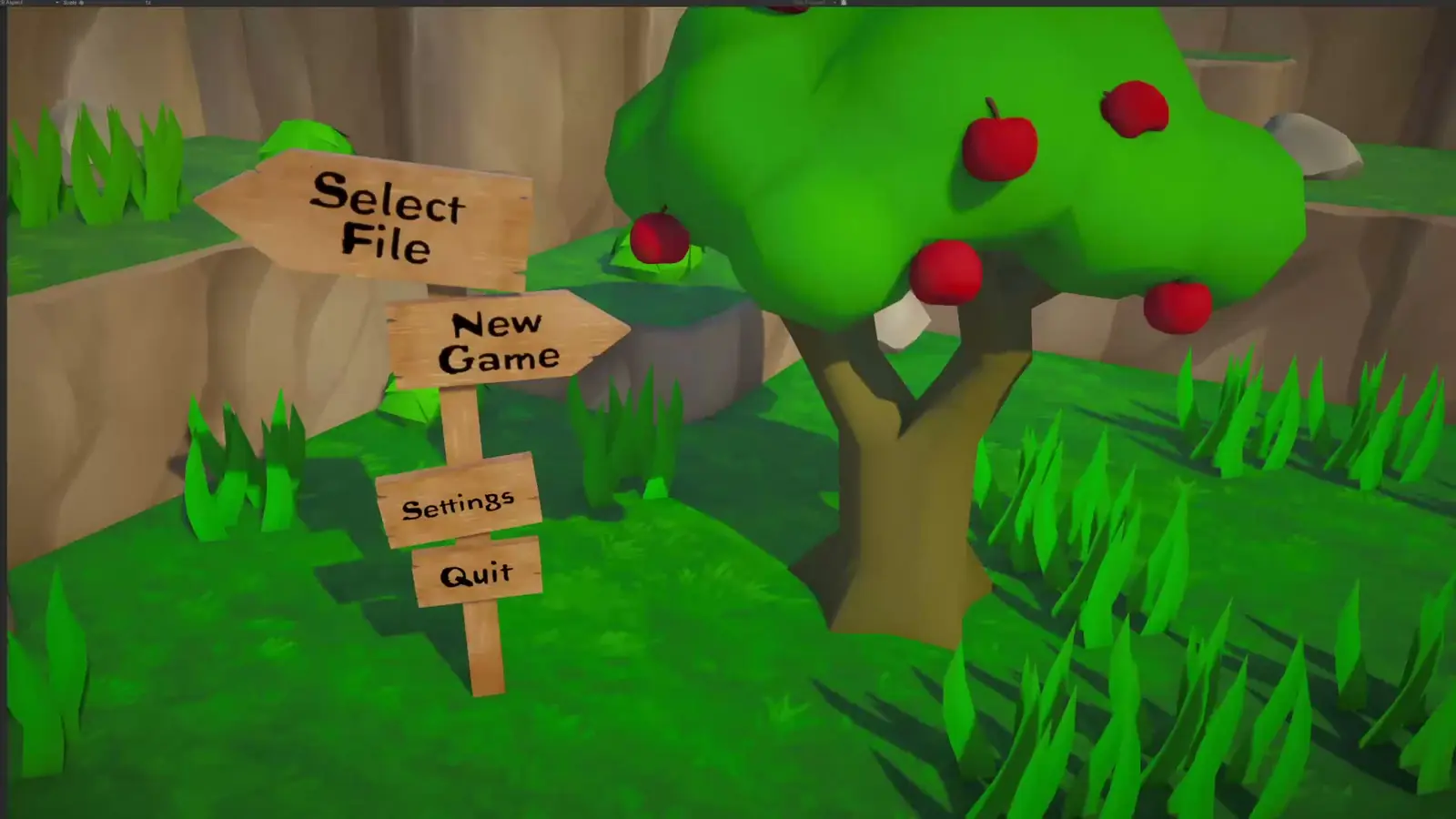
Keyboard controls
| Action | Key |
|---|---|
| Move | WASD or arrow keys |
| Interact | Context prompt (default interact key) |
| Pause / menu | Esc |
| Checkpoint hint | Tab (see the warning below) |
There is no jump, sprint, crouch or attack. If you are pressing a button and nothing happens, it is probably not mapped because the action does not exist.
Controller controls
| Action | Input |
|---|---|
| Move | Left stick |
| Interact | Face button prompt |
| Pause | Start / Options |
| Camera | Right stick, where available |
The controller is the better choice for diagonal movement. A reviewer noted that the analog stick handles the game's angled paths more precisely than the keyboard's eight directions. That matters in the palm and root sections, where the safe line is often diagonal.
The Tab warning
The demo includes a checkpoint sign that says something like "If you get stuck, press Tab and check for trees." Players report that pressing Tab at that spot can kill you. Whether it is a deliberate trap or a bug is not confirmed.
Treat any prompt that asks you to press a key while standing in a hazard as suspect. The game's sense of humor extends to its UI.
Settings worth changing
Volume. The game has separate music and effects volume. Lower the music and raise the effects if you want the audio tells to stand out.
Death counter. The demo added a death counter with a HUD toggle. Turn it on if you want to track attempts; turn it off if the number is demoralizing.
Timer. The demo added a timer for speedruns. Turn it on for practice, off for a casual run.
Camera sensitivity. If the camera feels slow in the tight sections, raise it. If it feels twitchy during trap baiting, lower it.
Resolution and window mode. The game is lightweight; native resolution and fullscreen are fine on most PCs.
What the settings do not include
- No difficulty selector. The game has normal mode and Challenge Mode, not an easy mode.
- No trap toggle. There is no accessibility option to disable traps.
- No remapping confirmed in the demo. Check the full game's options if you need a custom layout.
- No aim assist. There is no aiming.
Recommended setup for a first run
- Controller, left stick. Better diagonals.
- Music at 60–70%, effects at 100%. The audio tells matter.
- Death counter on. It helps you see progress on a hard section.
- Camera sensitivity at default. Adjust only if a section feels wrong.
- Fullscreen, native resolution. The art reads better at full size.
Steam Deck and Linux
The official FAQ confirms Windows and Linux, including Steam Deck. The game is light enough that the Deck's default profile should run it without changes. The Steam Deck and Linux guide→ covers the specifics.
Controls checklist
| Need | Setting | Why |
|---|---|---|
| Better diagonals | Controller left stick | Analog movement |
| Learn trap timing | Effects volume up | Audio tells |
| Track attempts | Death counter on | Progress feedback |
| Speedrun practice | Timer on | Split timing |
| Casual run | Death counter off | Less pressure |
Official source: Trees Hate You demo on Steam ↗ — the demo's control scheme and feature list.
FAQ
Can you jump? No. Movement is the only ability.
Does the game support controllers? Yes, full controller support including DualShock and DualSense.
Can you remap keys? Not confirmed in the demo. Check the full game's options.
What does Tab do? It is a checkpoint hint prompt in the demo. Some players report it can kill you at that spot.
Is there an easy mode? No. Challenge Mode is harder, not easier.
Sources
- Trees Hate You demo on Steam ↗ — controls and demo features.
- Trees Hate You on Steam ↗ — full controller support.
- Official Tykenn FAQ ↗ — platforms.
- DualShockers review ↗ — controller precision note.